Best Budget Wireless Mouse in 2026: What to Look for Before You Buy
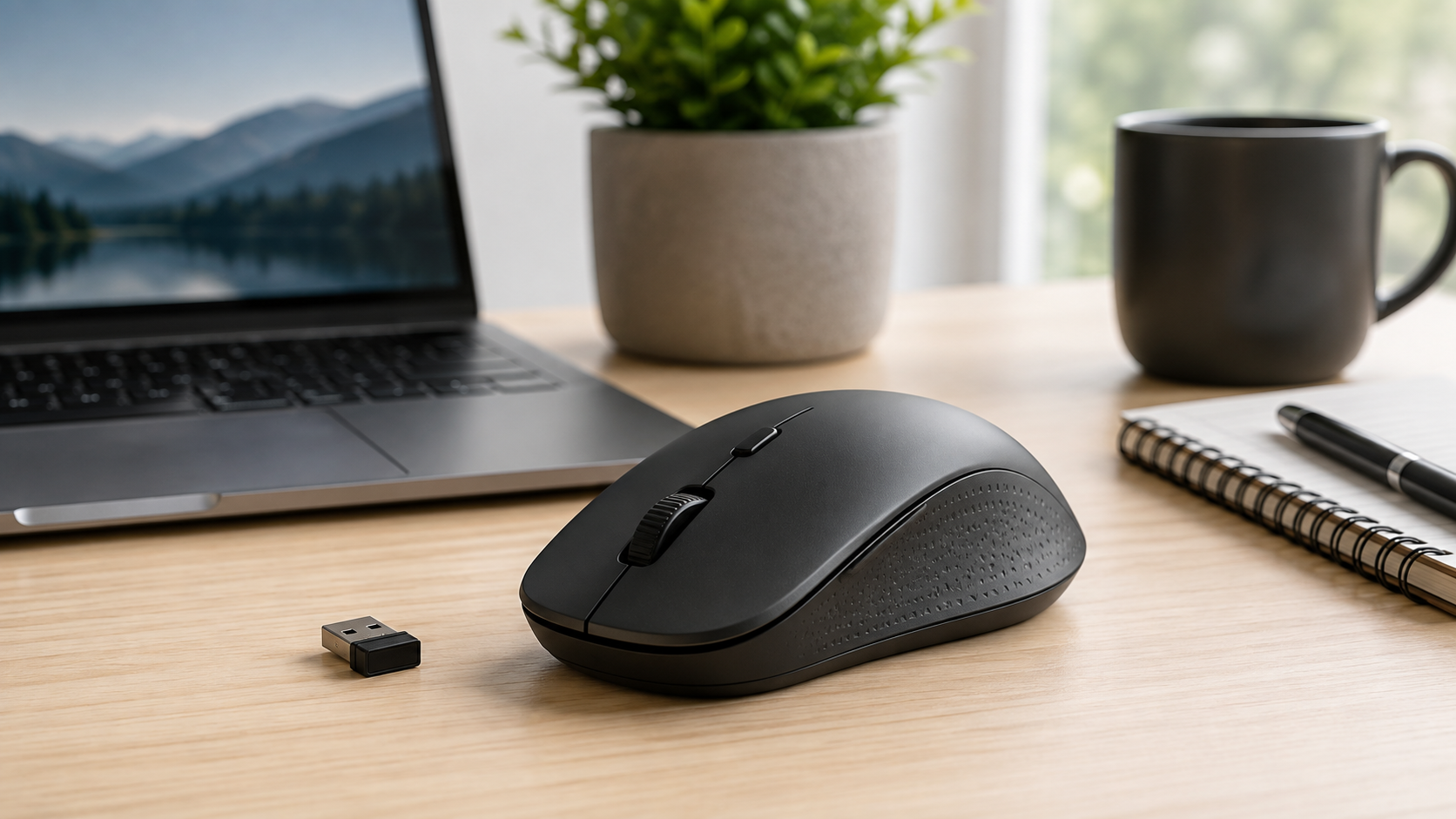
Looking for a good wireless mouse without spending too much? The budget mouse market offers plenty of options, but price alone does not tell you whether a mouse will be comfortable, reliable, or suitable for everyday use.
In this guide, we explain the most important features to consider when choosing a budget wireless mouse in 2026. From connectivity and battery life to ergonomics and sensor performance, these factors can help you make a more informed buying decision.
What to Look for in a Budget Wireless Mouse
When shopping for a budget wireless mouse, it is easy to focus on price first. However, a low price is only worthwhile if the mouse is comfortable to use, connects reliably and provides adequate battery life for your needs.
The best choice depends largely on how you plan to use it. A mouse for occasional web browsing has different requirements from one used for long work sessions, travel or gaming. Before comparing individual models, it helps to understand the features that have the greatest effect on everyday use.
1. Connectivity: Bluetooth or USB Receiver?
Many affordable wireless mice connect through either Bluetooth or a small USB receiver. A USB receiver is often simple to set up: plug it into a compatible USB port and the mouse can usually be used immediately. The trade-off is that the receiver occupies a USB port and is another small item that can be misplaced.
Bluetooth avoids the need for a separate receiver and can be especially useful with laptops and tablets that have limited ports. However, your device must support Bluetooth, and pairing may require a few additional steps. Some wireless mice support both connection methods, which can provide greater flexibility if you use the mouse with multiple devices.
When choosing between the two, think about the devices you use most often. A desktop computer with several open USB ports may work well with a receiver-based mouse. For a thin laptop, Bluetooth can be the more convenient option. If you regularly move between a work computer, home laptop and tablet, multi-device connectivity may be worth prioritising.
2. Battery Life and Power
Battery life can make a major difference in everyday convenience. Some wireless mice use replaceable AA or AAA batteries, while others have built-in rechargeable batteries. Replaceable batteries can provide long periods of use without charging, but you will need to keep spare batteries available when the old ones run out.
Rechargeable models eliminate the need to buy disposable batteries, but they must be charged periodically. When comparing options, consider not only the advertised battery life but also how the mouse fits your routine. Features such as automatic sleep modes can help reduce power consumption when the mouse is not being used.
A mouse that charges through USB-C can be especially convenient if your other devices use the same cable. On the other hand, a standard battery-powered mouse can be practical for travel because replacing a battery is often faster than waiting for a charge. Neither option is automatically better; the right choice is the one that creates the fewest interruptions for you.
3. Comfort and Ergonomics
Even an inexpensive mouse can feel uncomfortable if its shape does not suit your hand. Comfort matters most when you use a mouse for several hours at a time, such as during office work, studying, editing or browsing. A mouse that feels fine for a few minutes may not be the best fit for a full day of use.
Consider the size of your hand and the grip style you naturally use. Larger hands may benefit from a fuller, more supportive shape, while smaller hands may find compact models easier to control. Some people rest their entire palm on the mouse, while others use a fingertip or claw-style grip. The ideal design differs between users.
Compact travel mice are easy to pack, but their smaller shape can be less comfortable for extended desktop use. If possible, read multiple user reviews that mention hand size, grip comfort and long-term use. These details are often more useful than a product’s promotional description.
4. Sensor Quality and Everyday Accuracy
The sensor tracks the movement of the mouse across a surface. For basic tasks such as web browsing, email, document editing and video calls, most modern budget wireless mice can provide adequate accuracy. Still, tracking quality can vary between models and surfaces.
A reliable sensor should move smoothly without frequent cursor jumps or delays. It should also work reasonably well on the surface where you normally use it, whether that is a desk, mouse pad or portable work surface. Some mice struggle on glossy glass tables or uneven materials, so a simple mouse pad can improve consistency.
A high sensitivity rating is not always necessary. For ordinary productivity tasks, what matters more is predictable movement and easy control. Gamers and people who work with detailed visual content may want adjustable sensitivity settings, but casual users should not assume that a larger number automatically means a better mouse.
5. Buttons and Useful Features
Most budget wireless mice include left and right click buttons and a scroll wheel. This basic layout is enough for many people. However, additional buttons can be useful if you frequently navigate web pages, manage spreadsheets or work across multiple applications.
Side buttons can make it easier to go back and forward in a browser. A button for switching sensitivity can also be useful if you alternate between detailed work and fast navigation. Not every extra feature is essential, though. More buttons can add convenience, but they can also make a small mouse feel crowded or confusing.
Before paying more for additional controls, consider whether you will actually use them. A simple, well-built mouse with responsive main buttons may be a better value than a feature-heavy model with poor ergonomics or inconsistent connectivity.
6. Portability and Build Quality
For commuting, travel or hybrid work, portability can be just as important as comfort. A lightweight mouse is easy to carry in a laptop bag, and a receiver that stores inside the mouse can help prevent it from getting lost.
Build quality is difficult to judge from a product listing alone. Look closely at customer feedback for recurring comments about loose scroll wheels, unreliable buttons, connection drops or weak battery covers. A low price does not necessarily mean poor quality, but a very inexpensive mouse may involve compromises in materials or long-term durability.
It is also worth considering the sound of the buttons. Quiet-click mice can be helpful in shared offices, libraries and late-night home workspaces. If click noise does not matter to you, this feature may not justify a higher price, but it can make a noticeable difference in the right environment.
Choosing a Mouse for Your Main Use Case
The best budget wireless mouse depends on what you need it to do.
For basic home use, focus on a reliable connection, comfortable shape and straightforward battery management. You may not need advanced buttons, high sensitivity settings or specialised software.
For work or study, comfort and battery life deserve more attention. A mouse that reduces hand strain and works consistently throughout the week can be more valuable than the cheapest available option. Bluetooth support may also be useful if you work primarily from a laptop.
For travel, choose a compact design that is easy to store and simple to reconnect. A mouse with a built-in receiver compartment or Bluetooth connectivity can reduce the number of small accessories you need to carry.
For light gaming, look for dependable tracking, adjustable sensitivity and a shape that feels stable during faster movements. However, a budget wireless mouse designed for office use may not provide the same responsiveness or features as a dedicated gaming mouse.
Common Mistakes to Avoid
One common mistake is buying based on price alone. The lowest-priced model can be appealing, but replacing an uncomfortable or unreliable mouse after a short time is rarely good value.
Another mistake is ignoring compatibility. Check whether your computer supports Bluetooth if that is your preferred connection method. If you choose a receiver-based mouse, make sure you have an available USB port or an appropriate adapter.
It is also easy to overlook size. A very compact mouse can look practical online but feel cramped in daily use. Reading reviews and checking the listed dimensions can help you avoid an unsuitable purchase.
Finally, avoid treating every advertised feature as equally important. Focus on the features that match your real routine: connection type, comfort, battery system, portability and reliable tracking.
Questions to Ask Before Buying
Before choosing a budget wireless mouse, ask yourself:
Will I use it mainly with a desktop, laptop, tablet or several devices?
Do I prefer Bluetooth, a USB receiver or both?
How many hours per day will I use it?
Do I need a compact mouse for travel?
Would rechargeable power or replaceable batteries suit me better?
Are quiet clicks or extra buttons important for my work?
Does the size appear suitable for my hand and grip style?
Answering these questions makes it easier to filter out unsuitable options before comparing individual products.
Frequently Asked Questions
Are budget wireless mice reliable?
Many budget wireless mice are reliable for everyday tasks when you choose a model with suitable connectivity, reasonable customer feedback and a design that fits your needs. Reliability can vary, so it is helpful to check recent reviews before buying.
Is Bluetooth better than a USB receiver?
Bluetooth is convenient because it does not require a separate receiver, while a USB receiver can be quick and simple to set up. The better option depends on your devices, available ports and whether you plan to switch between multiple computers.
Are rechargeable wireless mice worth it?
Rechargeable mice can be worthwhile if you prefer not to buy disposable batteries and are comfortable charging the mouse periodically. Battery-powered models may be more convenient for some travellers or users who prefer instant battery replacement.
Do I need a gaming mouse for normal work?
No. A standard wireless mouse is usually enough for browsing, office work, studying and everyday computer use. A gaming-oriented mouse may be useful if you need higher sensitivity, additional buttons or a more specialised shape.
Final Thoughts
A good budget wireless mouse does not need to have every possible feature. The most important goal is to find one that connects reliably, feels comfortable and fits the way you use your devices.
Start with your daily needs rather than the product’s marketing claims. Whether you prioritise Bluetooth, long battery life, quiet clicks, travel-friendly size or extra buttons, choosing based on practical use will help you find better value.
Before adding a product to your shortlist, verify its current specifications, compatibility, price and recent customer feedback. This makes it easier to compare options fairly and choose a mouse that will remain useful beyond the first few weeks of use.